
When creating apps for nutrition tracking, many first-time developers may be excited, but they will quickly realize they are entering a saturated market.
Users have a range of apps to support their nutritional goals. There are apps designed to track calories, analyze macronutrients and micronutrients (macros) through food label scanners, meal plans, and daily reminders to help users eat better.
Given the significant number of users coming to your product from other apps, your app needs to be smarter, simpler, and more personalized than competitors. Fortunately, it is achievable if you can avoid the most common mistakes developers make. In this article, you will learn how to create a nutrition app without making common costly mistakes.
Start With a Real Problem, Not Just a Feature
When creating a fitness app, begin by identifying a real problem; don’t just focus on features. Many teams create extensive feature lists for an app (e.g., a food database, a barcode scanner, recipes, macros, a water tracker). As a result, they often develop generic applications for their users. A more effective way to create an application is first to identify a real problem that many people encounter.
For instance, the busy parent who wants to prepare healthy meals faces very different needs than the gym-goer who carefully tracks their protein intake. If you are developing an application to support people recovering from illness, consider including meal recommendations aligned with their medical treatment plan. As a result, the application will identify its target audience and tailor everything it creates to that audience.
Another great example is the young professional trying to eat healthier, but most of the time ends up ordering takeout. An application for them could recommend quick options for what to prepare, allow them to keep track of what they eat each day, and possibly integrate their grocery delivery service into the application. Such an approach would give the application a clear purpose.
Don’t Load Users on Day One
One of the biggest mistakes is to burden users with the onboarding process. Forms, health information, favorite foods, fitness goals – this is not an exhaustive list. The process continues.
Begin with the most basic information: age, gender, overall goal, and diet restrictions. Let the app figure the rest. Think about how media sites improve recommendations over time as you view them. An app can track behaviors, make recommendations, and improve with time. It improves first impressions and prevents drop-offs at this stage.
Use Data That Feels Smart, Not Robotic
Nutrition apps rely heavily on data regarding foods. However, this is where most projects fail. It can be tedious to look up nutrition information manually, so your app should take this burden off the user. Smart data input methods include:
- Barcode scanning
- Voice input
- Automatic portion suggestions
- Recognition of common meals
- AI-powered meal detection from photos
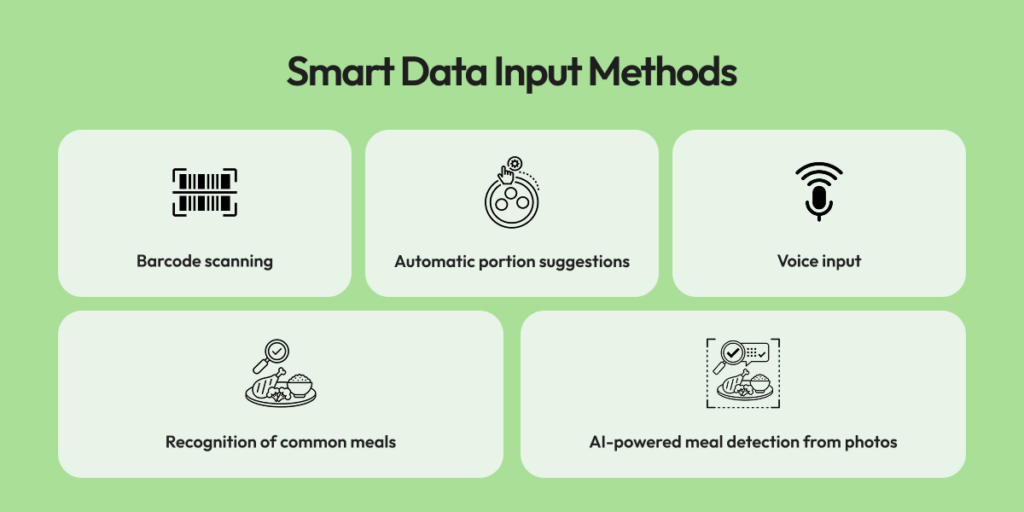
Professional guides on diet and nutrition app development actively explore these features, focusing on product strategy, data accuracy, and user experience.
Consider the case where one takes a picture of the pasta dish. Rather than forcing the user to enter “pasta, tomato sauce, basil, 1 cup,” the app can let the user easily edit the ingredients. Although not fully accurate, the transcription process has improved significantly. The smoother the food-entry process, the longer the user retention.
Personalization Should Feel Human, Not Preachy
Many apps tend to have very restrictive or similar guidelines that don’t work for all their users. For example, it’s not helpful to tell someone with a busy lifestyle that they need to prepare three home-cooked meals every day, nor is it useful to repeatedly remind them that they “failed” today.
People prefer support on an individual basis. For example, when using a nutrition app, instead of telling users they did something wrong, the app should provide lighter dinner suggestions based on a user’s less-than-perfect lunch. Also, if a user routinely snacks at night, the app could suggest alternatives to modify their nighttime habits.
Additionally, if a user tends to eat due to stress, the app could offer calming techniques and reminders of this kind. This approach makes the app feel more like a partner than a critic.
Focus on Small Wins – They Matter
In most nutrition apps, retention increases when users experience concrete progress early. Large and rapid changes rarely occur at this stage. A series of small victories can create a state of continual progress and reinforce the habits established during this time. Examples of small wins might include:
- Three days of consistent logging.
- Trying one new, healthy meal.
- Increase your daily water consumption for seven days.
- Choosing a home-cooked meal to eat as opposed to fast food on two occasions.
These types of “mini” accomplishments instill a sense of momentum in users. Consider incorporating digital achievement systems, streaks, or messages that acknowledge users’ progress toward success. Similar to how fitness devices reward those who walk a specific distance each day, recognizing your achievements continuously enhances an individual’s sense of accomplishment and reinforces a long-term commitment to healthy living.
Keep the Interface Simple and Friendly
Users will likely not return if they see a medical spreadsheet as your app interface. An ideal nutrition application is light, modern, and user-friendly.
Here are some ways to achieve this effect:
- Utilise soft, neutral colour palettes with simplistic iconography.
- Write concise, friendly copy, as opposed to a lengthy instruction manual.
- Minimise the number of taps needed to execute common functions.
- Ensure charts are easy to read, not cluttered and confusing.
If you think about the user’s experience (someone coming home after a hard day), they want to feel relaxed and calm when they open your app, not stressed. By providing an inviting UI, you build trust with the user.
Make Meal Planning Effortless
When you think of meal planning, that’s probably where most nutrition apps either shine or fall short for users. If adding a weekly meal plan feels like filling out paperwork, the user will probably give up on the app altogether.
On the other hand, if your app allows users to quickly and easily choose meals, provides grocery lists, and adapts the plans to their eating habits or budget, it will definitely stand out.
For example, if someone consistently buys the same grocery items week after week, your app should be able to recognize these repetitive patterns and suggest meals based on those items, which are likely already stocked in their pantry or refrigerator. That way, if any of the recommendations are unavailable at the grocery store, your app can suggest alternatives instead of sending the user out to search for that particular grocery item.
Motivate, Don’t Guilt-Trip
People want positive reinforcement rather than reminders of their failures. For instance, sending a notification to someone that says, “You didn’t log your breakfast again,” would only cause frustration among users.
But sending a supportive message like, “Have you made your breakfast plans for today?” will create a more positive tone of communication between the user and the application. Push notifications sent by your application should serve as friendly encouragement, rather than as a productivity slant.
Integrate With Daily Life
A good nutrition application should complement other technologies and devices.
Connected lifestyle technologies:
- Fitness trackers
- Smartwatches
- Grocery delivery services
- Kitchen devices
- Water bottles that track hydration
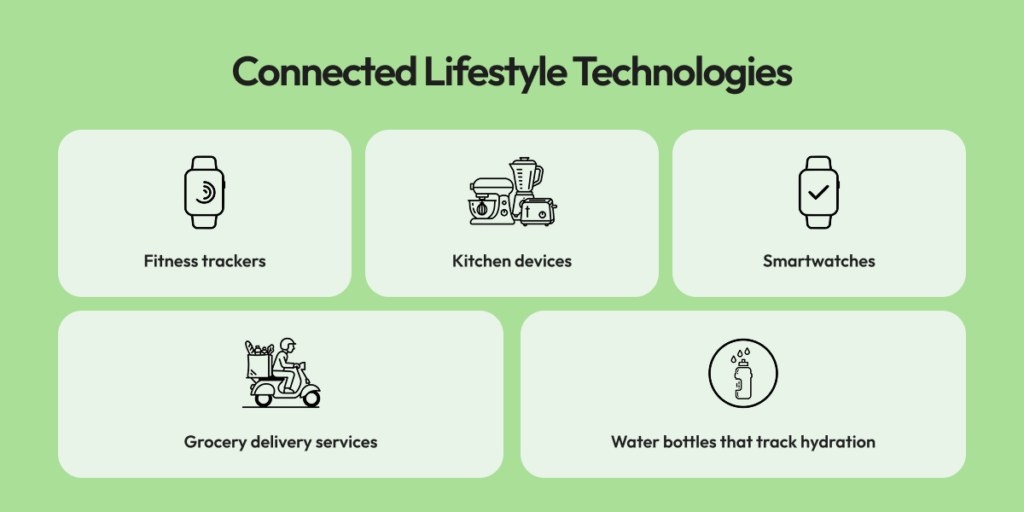
Imagine receiving a notification that you’ve fulfilled your protein requirement at the same moment your smart watch indicates you’ve completed a workout. Having these types of integrations provides added value and reduces potential barriers to the user experience.
Test With Real Humans Before Launching
Do not rely solely on internal testing. Given the wide range of nutrition habits among users, real-world testing is essential.
When testing your app, pay close attention to:
- Where your users are hitting obstacles
- Features your users aren’t utilizing
- Where your users get confused
- Features your users find useful and come back to repeatedly
You may spend weeks creating a feature users don’t care about; conversely, a small enhancement, such as remembering the user’s last-used measurements, could turn into an essential feature. In most nutrition apps, retention increases when users experience concrete progress early. Large and rapid changes rarely occur at this stage.
Keep Improving After Release
The biggest mistake is treating launch as the end of the work. Nutrition research is evolving, food trends are always changing, and user expectations are increasing. Think of your nutrition app as a work in progress.
You should be adding new recipes, refreshing food data, creating improved recommendations using artificial intelligence, specifying seasonal meal plans, reinforcing integration, and continually updating notifications so users consider your updates meaningful.
Wrap-Up
While it’s easy to think that developing a health app without mistakes involves keeping the user experience error-free, the most important element to creating a nutrition app is to create with empathy. You need to understand your audience well and focus on developing your app for them. By keeping your information concise, ensuring your guidance feels warm and personal, motivating users to take small steps towards improvement, and continuously updating and improving your app, your app will become a daily support to your users as they strive to reach their health goals.