
After years of working with presentations, you quickly realize that standard PowerPoint layouts tend to be inflexible. Typography looks formulaic. And many of the available themes rely on visual styles that have long since lost their appeal.
Today, simply presenting information is not enough. Visual pacing. Space. Even the slightest overlap between a chart and a title affects the overall look. That’s why professional PowerPoint templates are so important. You don’t have to spend precious time adjusting margins, colors, or font size. You get a ready-to-use structure and just need to think about the message.

Now, AI is playing a role in this process. Some platforms already create complete slide outlines from a document, URL, or prompt, and others are still just a little more than a static set of templates. This presentation guide brings it all together – free PowerPoint templates, premium collections for business, and AI solutions for teams, educators, marketers, and students.
Quick Comparison Table
Here are the details:
| Template Source | Best For | Free Option | Style | Rating |
| AiPPT | Fast presentation creation | Yes | Modern, adaptive | 9.8/10 |
| Slidesgo | Education, creative slides | Yes | Trendy, bright | 9.2/10 |
| Envato Elements | Agencies and corporate decks | No | Premium business | 9.1/10 |
| Canva | Fast editing, collaboration | Yes | Minimal, flexible | 8.9/10 |
| SlideTeam | Corporate reporting | Partial | Structured, professional | 8.8/10 |
| SlidesCarnival | Universal templates | Yes | Clean and lightweight | 8.7/10 |
1. AiPPT for AI-Generated PowerPoint Templates
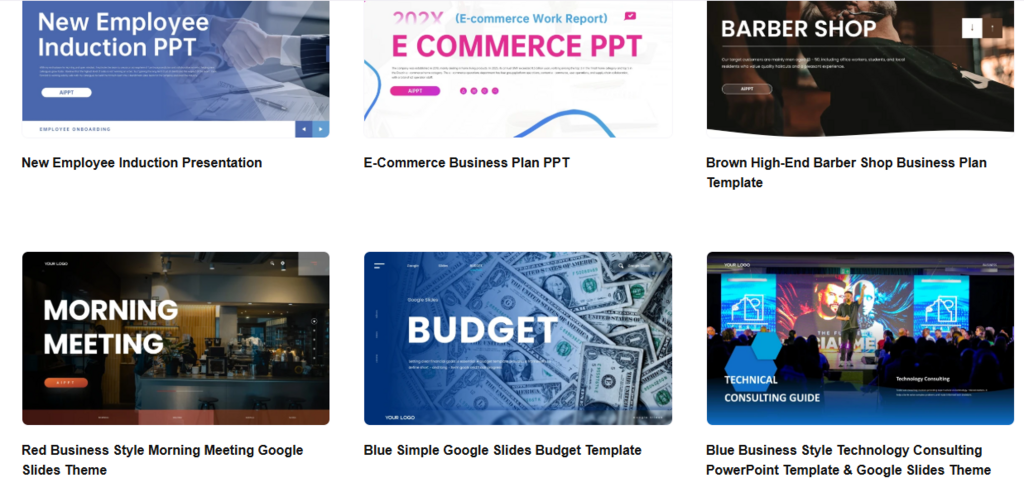
AiPPT dashboard displaying modern business and startup presentation templates
Highly recommended for startups, business teams, marketers, consultants, teachers, and anyone who needs to make a presentation under the tightest schedules.
Browsing PowerPoint templates on AiPPT was radically different from previous template marketplaces I’ve visited. Most of the slide collections already looked presentation-ready. Modern fonts. Spatial layouts. And slides with charts were much clearer than on many popular marketplaces…
But the biggest benefit of AiPPT is the automation process. It combines a large number of templates with an AI-generated design. The content from a document or even a URL of an html page can be converted into a presentation in a matter of minutes. You can choose from 200,000 templates in categories such as business, education, healthcare, marketing, and technology!
While testing the platform, I was impressed by the smoothness of the slides after export. Many AI-based presentation tools create visually impressive slides that look sloppy in PowerPoint. AiPPT created a clean and editable layout.
Important advantages:
- more than 200,000 customizable designs;
- AI presentation workflows;
- works with PowerPoint and Google Slides;
- best collection of modern business decks.
Pricing? The free plan brings only its basic features. If you want to enjoy more tools and also export more images, subscribe to a premium plan.
2. Slidesgo for Creative and Classroom-Friendly Slides
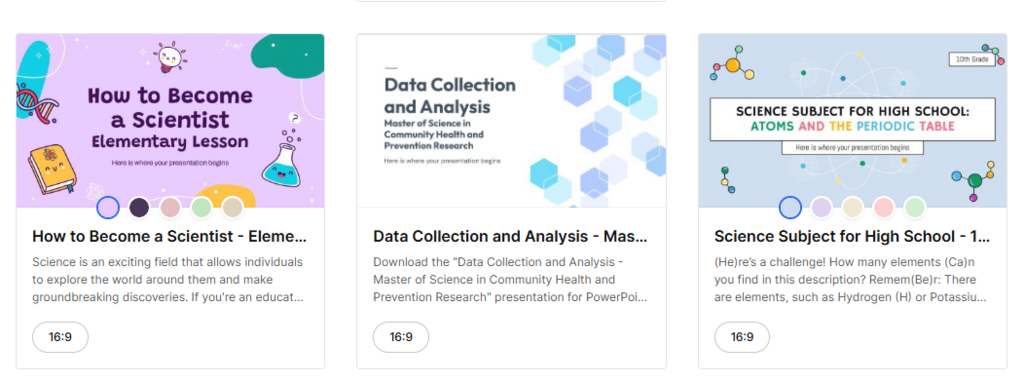
Slidesgo presentation templates with colorful educational designs
Mainly for teachers, students, webinars, workshops, and creative presentations.
Slidesgo is also among the top free PowerPoint templates in 2026. There are so many templates that it is quite easy to get lost, but it is well categorised, so this doesn’t happen.
Much more fun and intuitive than Envato Elements. Offers personal, illustrated templates, pastel-colored schemes for use in classrooms and online lessons. Many have charts, icons, and timelines in the same style.
The PowerPoint and Reddit communities often recommend Slidesgo because its free tier is really useful:
- wide collection;
- good for teaching;
- simple customization;
- modern color palettes.
As for the price, Slidesgo has a big free library with an optional premium subscription.
3. Envato Elements for Premium Business Decks
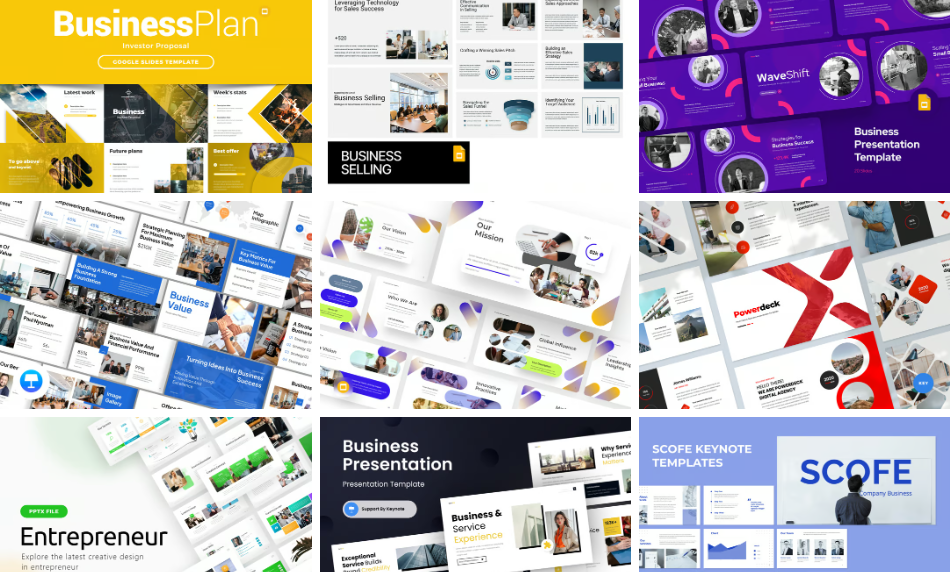
Envato Elements corporate PowerPoint templates with minimalist business layouts
Best for agencies, consultants, executive teams, and investor presentations.
Envato Elements brings some of the strongest professional PowerPoint templates available anywhere on the web. You see it immediately after a couple of decks, as most setups have a consistent grid, clear type, and professionally set slide masters.
The quality seems to be closer to professional and smoother than Slidesgo. Many decks contain between 50 and 100 designed slides with financial charts, SWOT analysis pages, KPI dashboards, and editable diagrams.
The thing that I really liked during my browsing was the good consistency. Some free template sites have nice preview images but weak internal slide structure. Envato decks are usually of a high standard throughout the presentation.
Why it’s useful:
- premium business styles;
- strong pitch deck templates;
- excellent typography;
- a large library available for commercial use.
Pricing starts at $16.50 per month.
4. Canva for Fast Edits and Team Projects
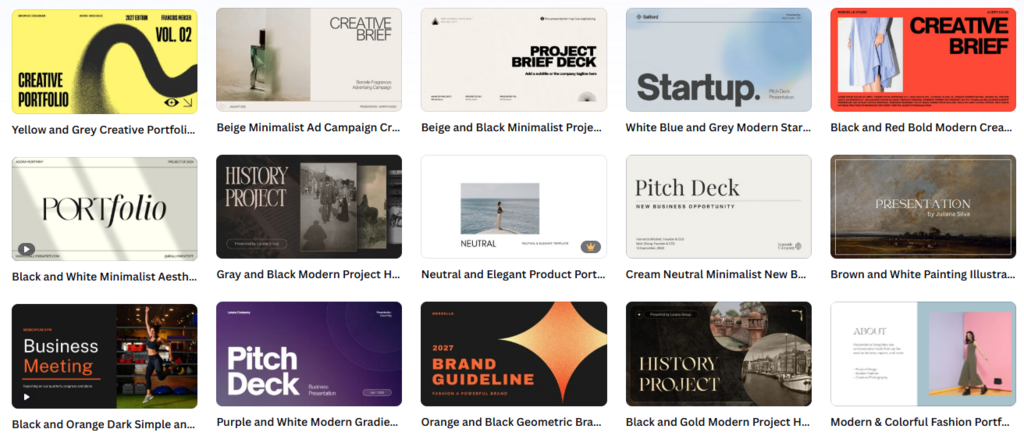
Canva presentation templates with clean and elegant designs
Canva is an option for internal presentations, quick turnaround projects, as well as marketing teams.
It is one of the easiest websites to do some quick presentation work. Very intuitive, even if you do not know a lot about design.
While AiPPT is more focused on AI generation, Canva is a drag-and-drop tool. And that means it is suitable for quick edits, social media reports, internal projects, and team work.
Oddly enough, some templates in Canva feel like the default choice of the masses simply because the site is so widely used. Yet, it always shows up near the top of almost all lists of the best PowerPoint templates sites online, and that’s because it’s great for fast workflows and offers helpful design tools.
Pros:
- beginner-friendly editor;
- robust collaboration tools;
- huge free template selection;
- fast customization.
Free version available with Canva Pro upgrade.
5. SlideTeam for Reports, Dashboards, and Data Slides
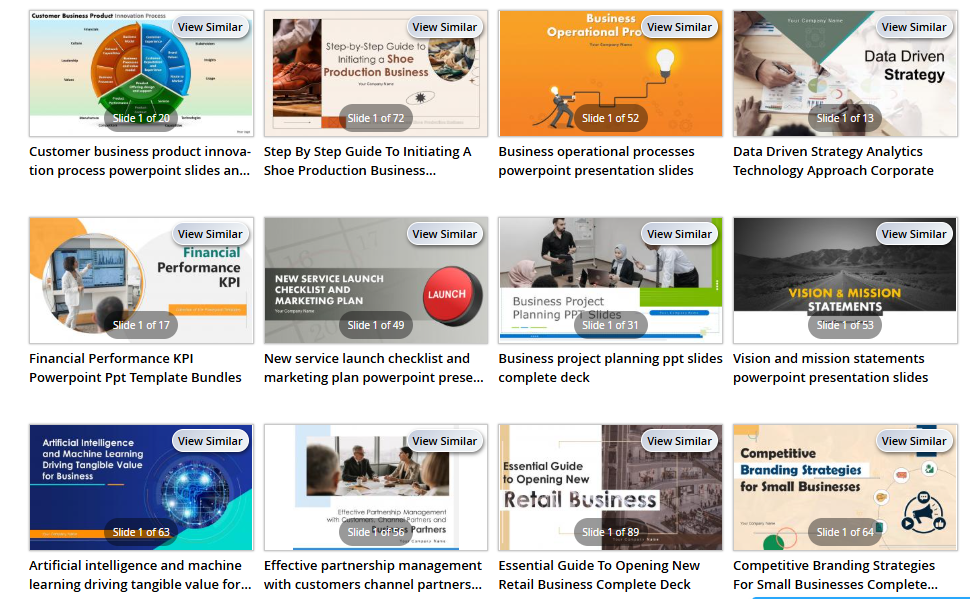
SlideTeam corporate PowerPoint templates with KPI dashboards and consulting layouts
Often used by consulting firms, analytics teams, and sales departments.
SlideTeam has a far more business focus than most template providers. It’s packed with reporting dashboards, roadmap slides, data visualizations, quarterly review templates, and operational diagrams.
SlideTeam is concerned with structure rather than beauty. Templates can be a little dull visually. But in the corporate world, that’s often what people want.
The platform is among the professional PowerPoint recommendation themes available on the net, mostly for business reporting and consulting decks.
Why users like it:
- excellent business reporting layouts;
- huge diagram collection;
- ready-made KPI slides;
- strong consulting presentation formats.
Some free downloads available. But full access requires a subscription.
6. SlidesCarnival for Clean and Minimal Presentations
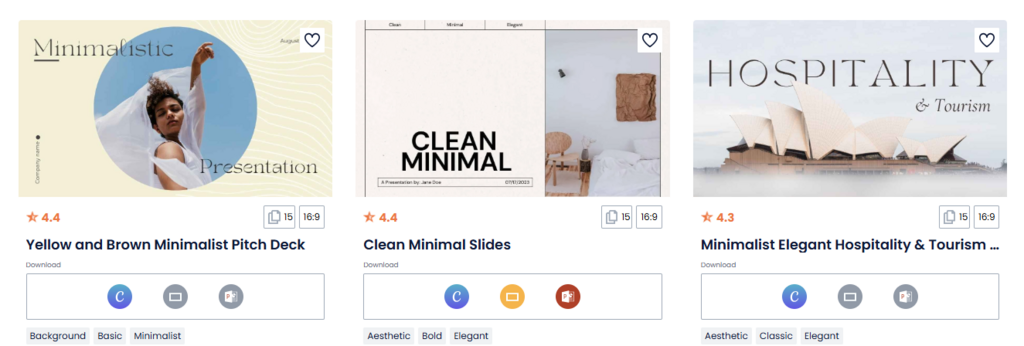
SlidesCarnival minimalist PowerPoint templates with clean layouts and modern typography
Aimed at students, lecturers, start-up businesses, and others who want a simple presentation.
SlidesCarnival is better if you care about readability. Templates are easier than those by Envato or AiPPT. But that’s sometimes an advantage.
Generally, SlidesCarnival layouts seem less busy. Yet, you can still find text-heavy slides, and the font selections actually aren’t too bad for a free offering.
If you’ve been searching for quick PowerPoint templates download options that do not require a subscription and limited licensing, then SlidesCarnival is one of the safest recommendations.
Features:
- minimalist layouts;
- easy readability;
- fast downloads.
And most importantly, it’s entirely free to use, no need to subscribe!
How to Choose the Right PowerPoint Template
The perfect slide design is context-specific.
Business presentations prefer modern, neat and clean, elegant and subtle color schemes; classroom slides use more graphical elements, flexible layouts; creative portfolios usually rely on sharper pictures and energetic transitions.
AI platforms (like AiPPT) adapt the presentation structure in a dynamic way, rather than simply offering users layouts with predefined structures. And this is very useful.
Final Notes
For totally free choices, both Slidesgo and SlidesCarnival are a great place to begin. Canva is better for quick edits, and Envato Elements or SlideTeam is worth the investment for business and executive decks.
AiPPT stands out as the most promising platform overall. Powered with AI generation, editing layout, and an enormous library of modern templates, it is one of the most powerful in the current market for those looking for the best PowerPoint templates. The platform is built for how presentations are actually created today, not five years ago.